TuffyMon Guide: Your First Normal Solo Run
Walk through the original TuffyMon Normal Solo draft: six constrained picks, hidden stats and an automatically resolved 110-opponent result.
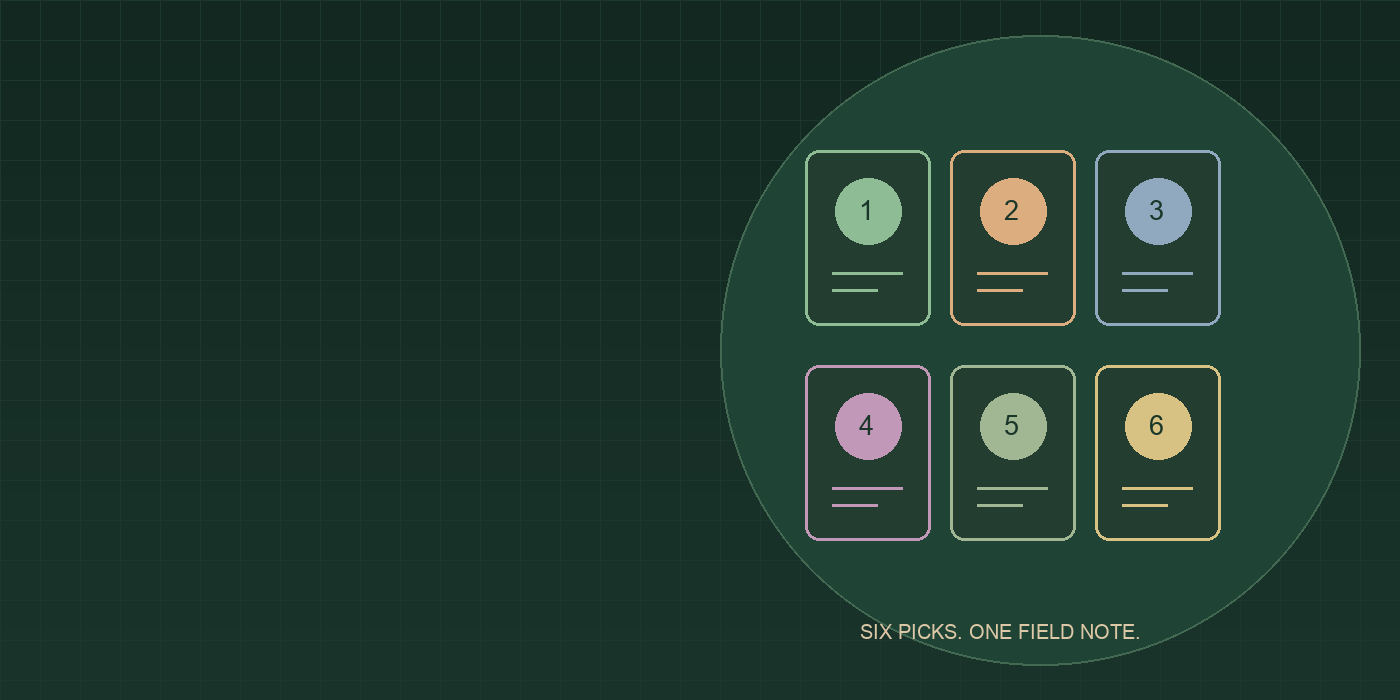
Choose a known mode
- Open the original TuffyMon site linked in Sources.
- Choose Normal and Regular Mode for the flow checked here.
- Open Solo Run. Keep the difficulty and style in your notes.
- Read the generation and type shown for the current pick before choosing.
The landing page currently advertises three Solo runs per difficulty per day. Check your own remaining limit rather than assuming a different mode shares that allowance.
Six separate picks
In our run, the page showed the current pick number, the generation/type constraint and the available candidates. A search box filters candidates; it does not remove the current eligibility constraint.
- Choose one candidate and wait for the next roll to settle.
- Check the new generation and type; they can change between picks.
- Repeat until the team contains six members.
Normal displays names and types, while the draft page says numerical stats are hidden until the gauntlet. Do not treat a blank stat display as a failed load.
Read the final record
After our sixth choice, the gauntlet resolved and showed a final record with regional opponent badges. Defeats were marked individually. We observed 103 wins and seven losses, not a perfect run.